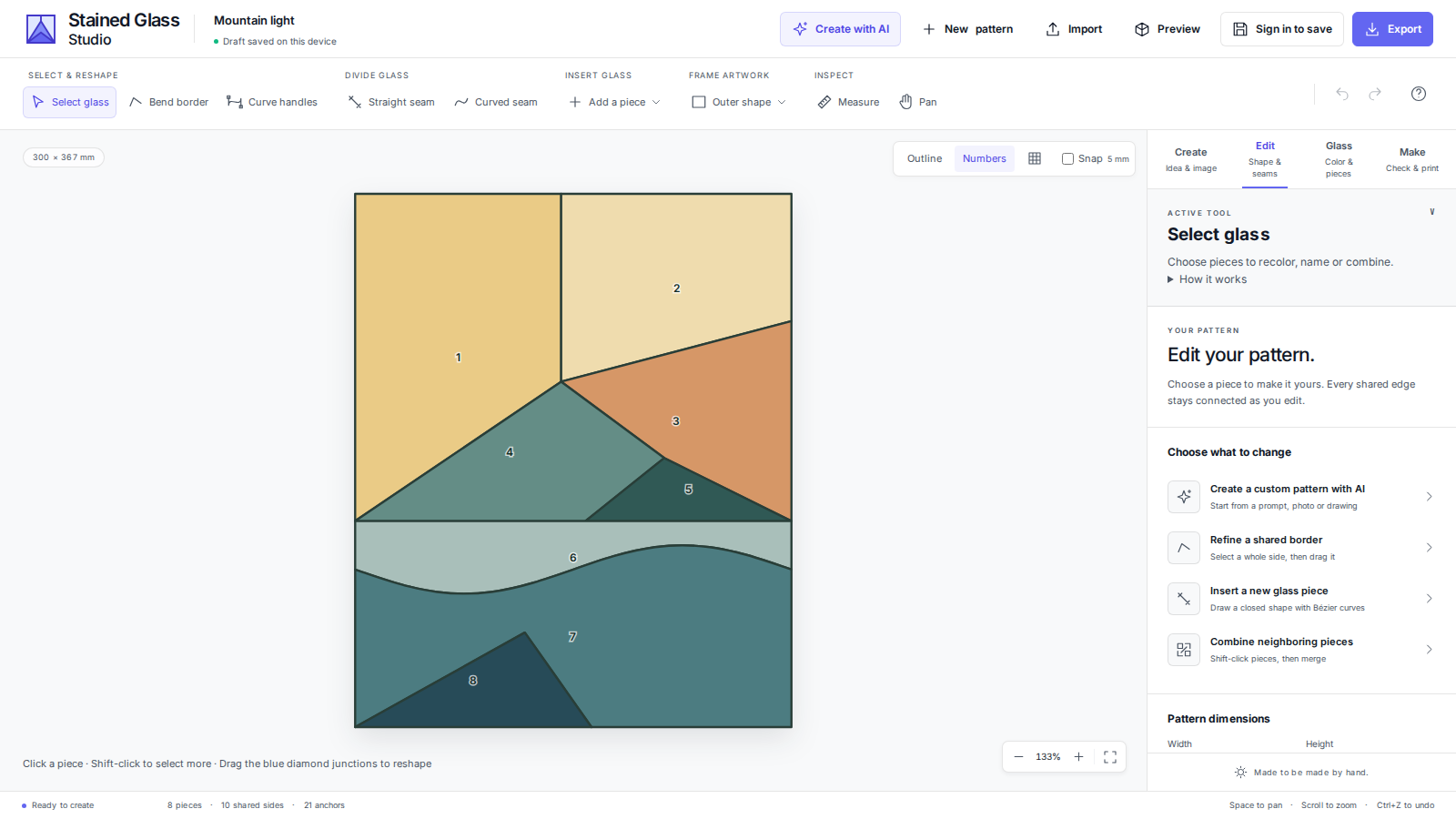
A new studio for your stained glass patterns
From your first idea to a printable pattern: create with AI, reshape the pieces and see your glass in the light. The studio has been redesigned to support each step.
Create with AI, then make it your own
Start with a description, photo or drawing directly in the studio. Use the generated pattern as a starting point, then adjust its composition, pieces and colors. You can also ask AI for a new glass palette.
Shape curves instead of moving countless points
Select a whole border, from one junction to the next, and shape it with Bézier curves. Shared borders stay connected: both neighboring pieces update together. Anchors and curve handles use distinct shapes and colors so they are easier to tell apart.
Add, divide and simplify pieces
Draw a new piece with curves, or start with a rectangle or oval. A straight or curved seam affects only the pieces crossed by your drawn cut. Merge neighboring pieces or simplify their borders. Use the separate outline tools to crop the artwork to a rectangle or oval and fill empty areas with background glass.
See exactly where a piece needs attention
The cutting review locates issues such as deep notches, narrow sections and fragile tips. Select an issue to find it on the piece and on the canvas. Where an automatic fix is available, preview it before applying it. Undo lets you compare different approaches.
Explore sunlight through your glass
The fullscreen preview shows glass reflections and the colored light passing through it. Adjust the sunlight intensity and viewpoint to explore your composition before making it.
Get ready for the workshop
Set pattern dimensions in millimeters and adjust seam width. Use piece numbers, the grid, snapping and measurements, then export a scaled PDF, SVG, PNG or DXF. A CSV piece list completes your preparation documents. Your device keeps a working draft; save to your account to access the project elsewhere.
Keep your existing projects without duplicates
Existing projects keep their names, links and place in your account, with an internal backup of the original version. Detailed patterns can also open in the new studio: curve count alone no longer sends them to the old editor. If an SVG still needs compatibility tools to preserve its content, a visible message explains it.