Find the perfect
stained glass pattern
How it works
From idea to glass pattern in 3 steps
✦
Step 1
Generate or Upload
Describe your vision in text, upload a photo, or start with a blank canvas. Get a stained-glass-ready pattern instantly.
◈
Step 2
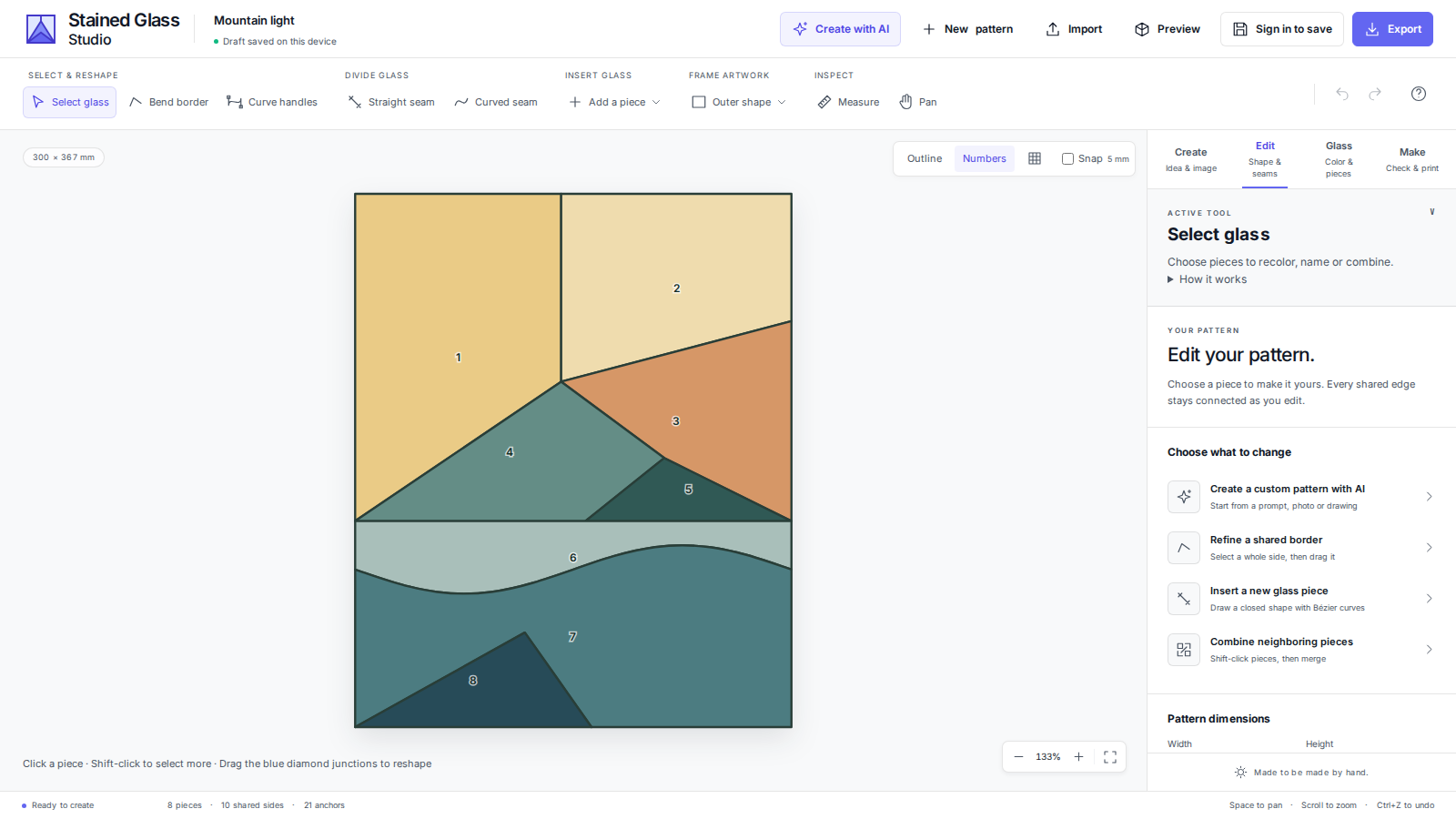
Edit in Studio
Tweak colors, remap palettes, isolate pieces, adjust lead lines, and annotate your cut list with precision tools.
⬡
Step 3
Export & Cut
Export clean SVG files, PNG renders, or tagged cut lists ready for your glass cutter or laser machine.
Features
Everything you need to
create masterpieces
Text-to-Pattern Generation
Generate stained glass patterns from text prompts. Perfect geometric segmentation with intelligent color simplification — every time.
Photo-to-Pattern
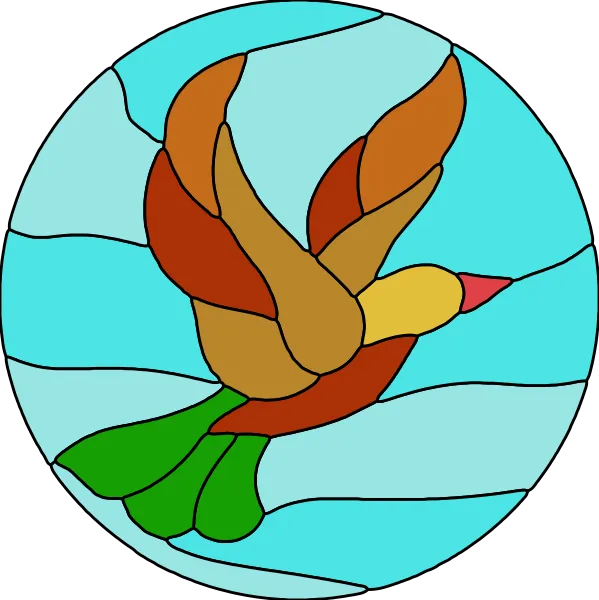
Upload any photo and transform it into a planar, lead-line stained glass design with intelligent color simplification.
SVG Vectorization
Automatic conversion from raster to clean SVG, with individual piece identification and grouping.
Color Palette Editor
Remap colors globally, pick from your palette, and manage glass color selections with a visual palette panel.
Cut List Manager
Tag pieces for cutting, auto-number them, and export a formatted cut list with dimensions and glass color.
Multi-Format Export
Export to SVG, PNG at any scale, or JSON palette files. Works with any laser cutter or CNC workflow.